Landmarks and Public Buildings
Monuments, museums, temples, bridges, stadiums, towers, squares, and famous buildings can often reveal the exact name of the place.
Upload a picture and find the likely name of the place shown in it. The tool checks landmarks, storefronts, signs, architecture, skylines, roads, and natural features so you can identify this place from a photo.


Best for landmarks, streets, public buildings, restaurants, stores, travel photos, screenshots, skylines, and outdoor scenes
This page is for the direct question behind the search: what is this place called?
When people search what place is this, they usually already have a picture and need the name of the place shown in it. It might be a travel photo with no caption, a screenshot from social media, an old image in a folder, a restaurant storefront, a street scene, or a landmark seen in a video.
This page is intentionally focused on place naming. The main result should be the likely place name first, followed by the place type, city or country, confidence level, and the clues that support the match. That is different from asking for your current location, the photographer's exact camera position, or raw coordinates.
A good answer should also be verifiable. After the tool suggests a place name, use the returned city, country, visual clues, and map-ready search query to compare the result with Google Maps, Street View, official websites, or reverse image search.
The strongest results come from visible evidence, not a black-box guess.
Monuments, museums, temples, bridges, stadiums, towers, squares, and famous buildings can often reveal the exact name of the place.
Shop names, restaurant signs, transit icons, street signs, building names, and visible language can turn a vague image into a searchable place name.
Facade style, road markings, sidewalks, balconies, power lines, traffic signals, and skyline shape help narrow which place this is.
Mountains, coastlines, rivers, deserts, vegetation, terrain, and weather context can identify outdoor destinations and scenic places.
Photos with clear landmarks, signs, or distinctive scenery are the easiest to name.
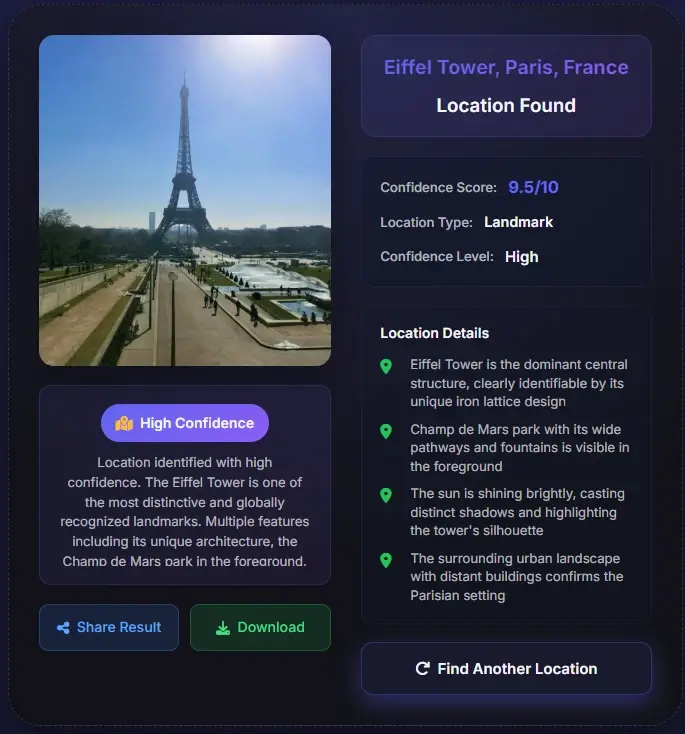

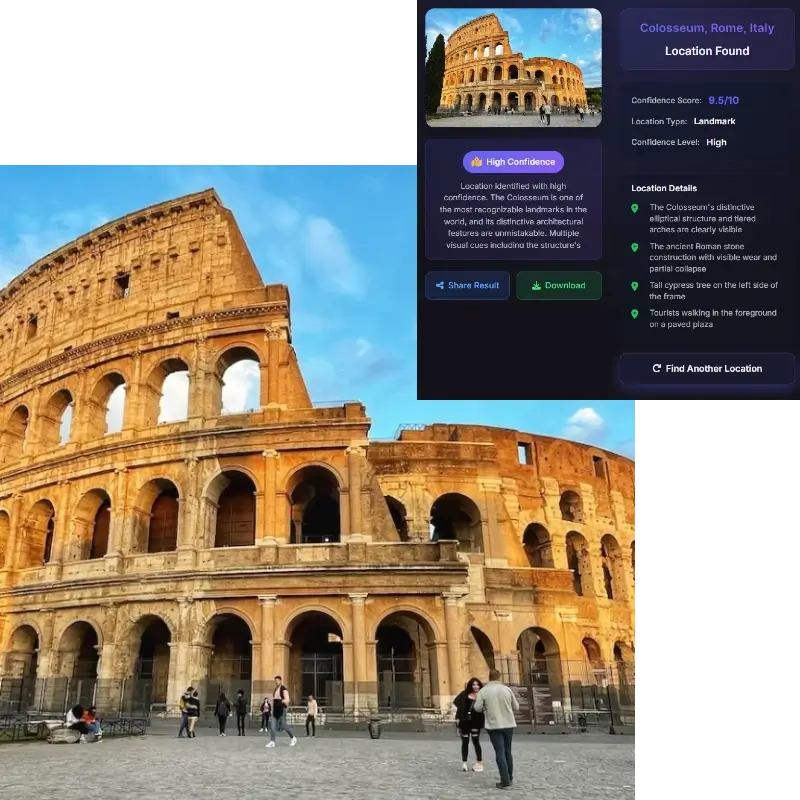
Use the widest, sharpest version you have. A photo with signs, storefronts, skyline, roads, buildings, water, mountains, or public landmarks gives the tool more evidence.
The tool analyzes visual clues and returns a likely place name, place type, city or country, confidence level, and the evidence that made the match plausible.
Search the suggested place name with the city or country, then compare signs, facades, road layout, nearby landmarks, and Street View when available.
These are related, but they are not the same answer.
What place is this usually means the visible place: a landmark, building, street, store, restaurant, viewpoint, public square, or natural destination. That is why this page prioritizes the place name and the visible evidence behind it.
Where was this photo taken can mean the photographer's camera position. GPS metadata, when present, may point to the camera location rather than the landmark in the frame. A photo of a tower taken from a bridge may contain two useful locations: where the camera was and what place appears in the picture.
Coordinates are useful when you need a map pin, but they are not always the first thing users want. For this page, the strongest answer is a name you can search, verify, and understand before moving to exact coordinates.
These are the situations where a place-name result is more useful than a raw map pin.
Find the name of a destination from a beautiful social photo, blog image, or video screenshot before saving it to your travel plan.
Use storefront names, menu boards, street signs, and nearby context to identify a restaurant, shop, market, or public venue.
Name places in old folders, downloads, family albums, or saved screenshots when the file has no useful caption or metadata.
Check whether a claimed landmark, city, or place name matches what the image actually shows.
Many images travel without useful context. Screenshots, reposted social images, edited photos, and old downloads often have no title, caption, or GPS metadata. A place finder can still look for visible evidence: landmark shape, store names, road signs, transit symbols, public building names, architectural style, vegetation, coastline, mountain profile, and skyline rhythm. Those clues help turn a mystery image into a likely place name.
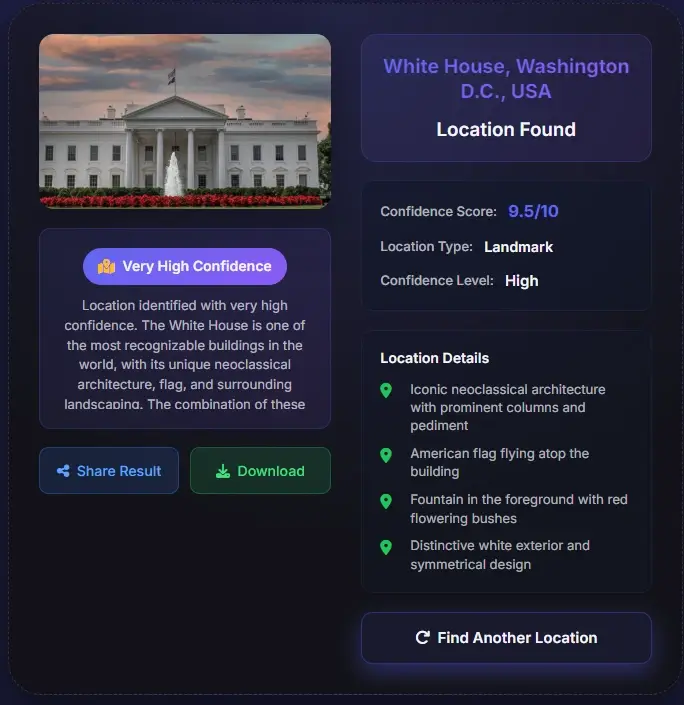
The fastest way to answer what is the name of this place is often visible text. A restaurant sign, museum name, street marker, metro symbol, hotel facade, or road sign can narrow the answer much faster than visual similarity alone. If the image contains readable text, keep it uncropped and sharp. If the result includes a suggested search query, use the visible text with the city or country to confirm the match.
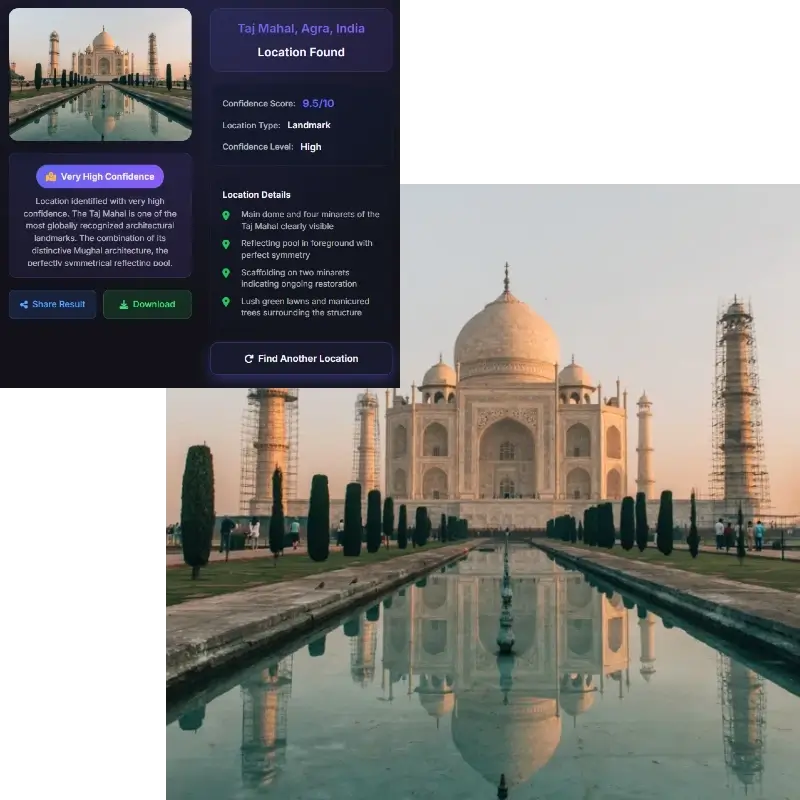
Some pictures cannot support an exact place name. A generic beach, plain hotel room, forest path, blurred street, cropped wall, or ordinary suburb may look similar in many countries. In those cases, a useful result should say what can be supported: a likely place type, city, country, region, or candidate list. Treat low-confidence results as leads, then verify them with maps or other sources before relying on the answer.
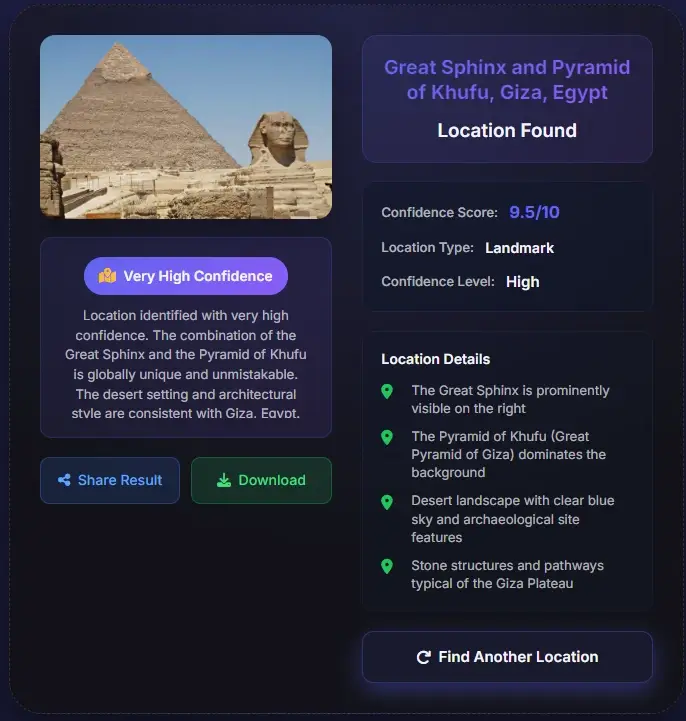
After you get a likely place name, compare the image against external evidence. Search the place name with the city and country. Check official photos, Google Maps, Street View, nearby landmarks, road geometry, building spacing, storefronts, skyline orientation, and natural features. If two places look similar, evidence should decide the match rather than confidence wording alone.
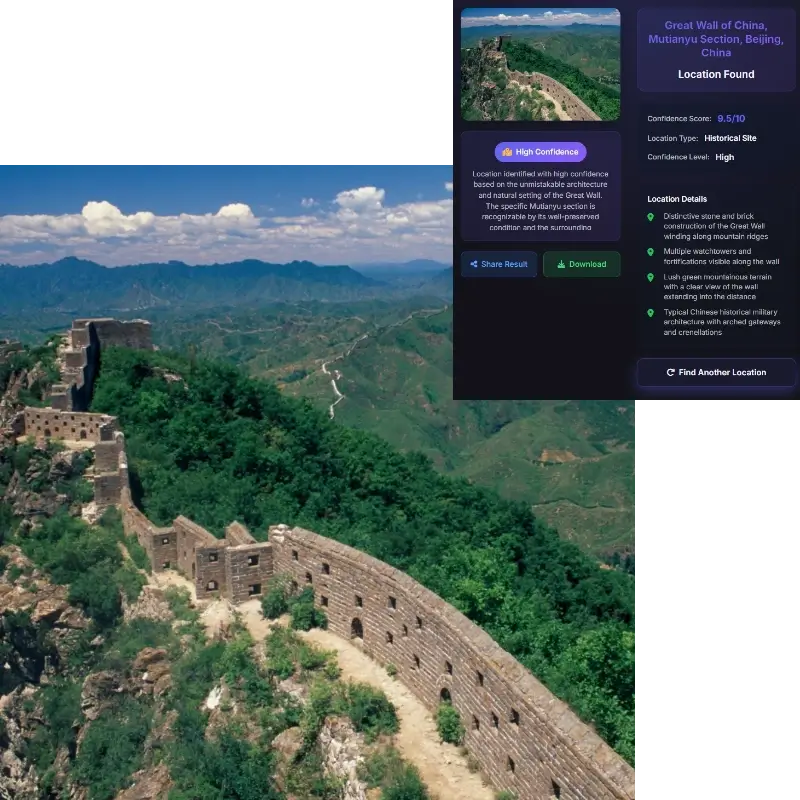
Place identification is useful for travel, research, photo organization, and learning, but it should not be used to expose private people or sensitive places.
Use the AI result as a strong lead, then check it against map and image-search evidence when accuracy matters.
Upload the picture and let the tool analyze visible clues such as landmarks, signs, storefronts, architecture, road details, skyline, terrain, and natural features. It returns a likely place name, place type, city or country, confidence level, and evidence you can verify.
Start with the clearest version of the image. Keep signs, buildings, roads, and surrounding context visible. After the tool suggests a place name, search that name with the city or country and compare the image with map, web, or Street View evidence.
A place name is the visible landmark, building, business, street, or destination shown in the image. Photo location can mean where the camera was standing. Those can be different, especially when a landmark is photographed from another viewpoint.
Yes. GPS and EXIF can help when present, but many online images and screenshots have no metadata. The tool can still use visual clues such as text, landmarks, buildings, roads, terrain, vegetation, and map context.
Clear outdoor images with distinctive context work best. Useful clues include public landmarks, readable signs, storefront names, road markings, transit symbols, skyline shapes, bridges, coastlines, mountains, and unique architecture.
The image may not contain enough unique evidence. Generic beaches, indoor rooms, plain walls, ordinary streets, cropped screenshots, and blurred photos can share visual patterns across many places.
Yes. Use the returned place name, city, country, or suggested map query in Google Maps. Then compare signs, facade details, road layout, nearby landmarks, and Street View coverage when available.
Only upload images you own or have permission to analyze. Avoid private homes, personal scenes, sensitive facilities, or images that could reveal someone's location without consent.