Landmarks and Skylines
Towers, bridges, monuments, stadiums, coastlines, mountains, and skyline shapes can identify the likely city or attraction.
Upload a screenshot, social post image, video frame, or cropped picture and identify where it may be from. The tool reads landmarks, signs, UI crops, road clues, architecture, and map-ready evidence when GPS data is missing.


Best for TikTok frames, Instagram posts, YouTube screenshots, travel reels, street views, storefronts, and mystery images
This tool page is for screenshots and reposted images, not your current device location.
Screenshots usually lose the original camera metadata. A photo saved from Instagram, TikTok, YouTube, Reddit, a travel blog, or a chat app may keep the visual scene but remove GPS, filename, timestamp, and source context. That is why a screenshot location finder has to work differently from a normal EXIF checker.
The goal is to answer practical questions such as where is this picture from, where was this screenshot taken, and what place does this video frame show. The answer may be an exact landmark, a likely city, a region, or a short list of map candidates depending on how much visual evidence remains.
Use the result as a starting point for verification. A screenshot with a visible skyline, road sign, storefront, mountain profile, coastline, or transit symbol is easier to locate than a tight crop of a wall or a generic indoor room.
A screenshot result is strongest when several visual signals point to the same place.
Towers, bridges, monuments, stadiums, coastlines, mountains, and skyline shapes can identify the likely city or attraction.
Street signs, shop names, transit symbols, visible language, subtitles, and overlaid captions can provide searchable place clues.
Lane markings, traffic lights, license plate styles, sidewalks, poles, and driving direction can narrow the country or region.
The result should give clues you can compare in Maps or Street View, not just a black-box guess.
Screenshots with distinctive scenes, public landmarks, or readable text usually produce the clearest matches.
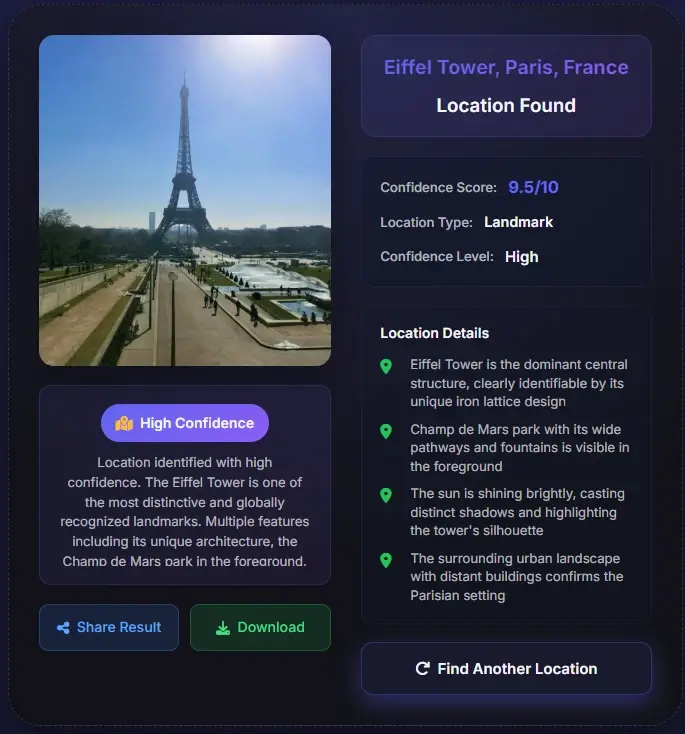

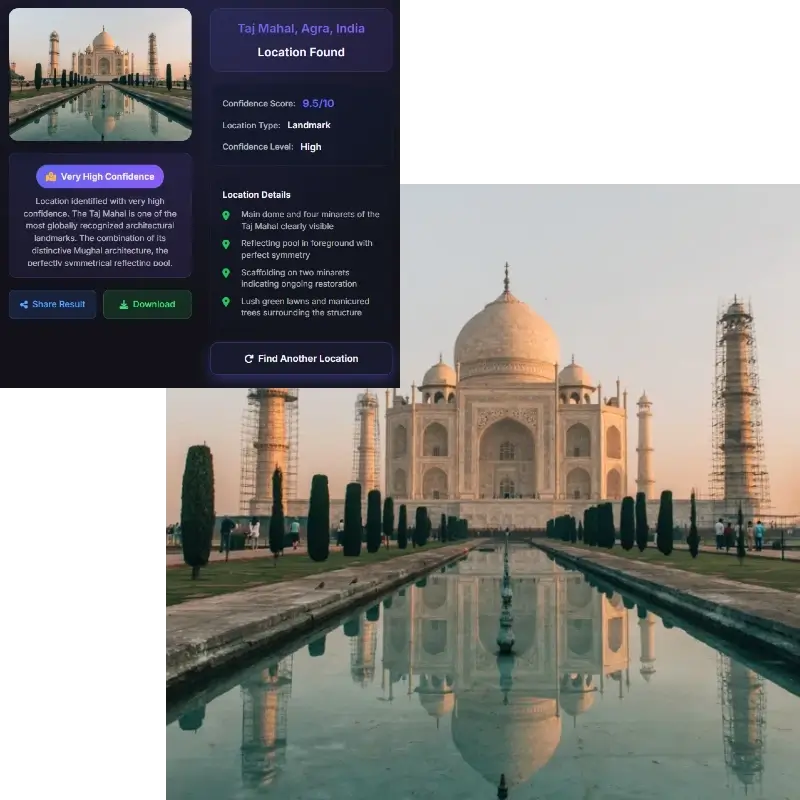
A wider frame gives more context: signs, road shape, skyline, storefronts, subtitles, platform UI, weather, terrain, or nearby landmarks.
The tool checks landmarks, architecture, road details, visible language, captions, and source context that may remain after the original metadata was stripped.
Use the likely place, clue list, and confidence level to compare the scene against Google Maps, Street View, official tourism pages, or other reliable map sources.
Screenshots can be solvable, but the confidence depends on the scene.
An exact answer is most likely when the screenshot includes a famous landmark, readable sign, unique storefront, transit station, road name, skyline, or distinctive natural feature. Video frames with a wide street view or travel reel captions can also work well.
The answer is more likely to be approximate when the screenshot is compressed, blurred, cropped, filtered, or focused on people instead of the background. In those cases, the tool may return a likely city, country, region, or a set of clues to research manually.
A screenshot location finder should not pretend every frame has one perfect pin. Treat the result as evidence, then verify it with another source before using it for travel, reporting, or investigation.
These are the cases where a screenshot-specific tool is more useful than a generic photo lookup.
Find the place shown in a YouTube, TikTok, Instagram Reel, or livestream screenshot when the original video has no location tag.
Check whether a viral travel image or reposted photo really matches the claimed city, beach, street, or landmark.
Use shop signs, awnings, sidewalks, road markings, and nearby buildings to narrow the place shown in a screenshot.
Use screenshot clues as evidence before citing a location, planning a visit, or comparing a claim against a map.
Most screenshots do not contain GPS or camera metadata. The tool is designed around visual evidence instead: landmarks, signs, language, roads, architecture, transit marks, and environmental clues that survive reposting and compression.
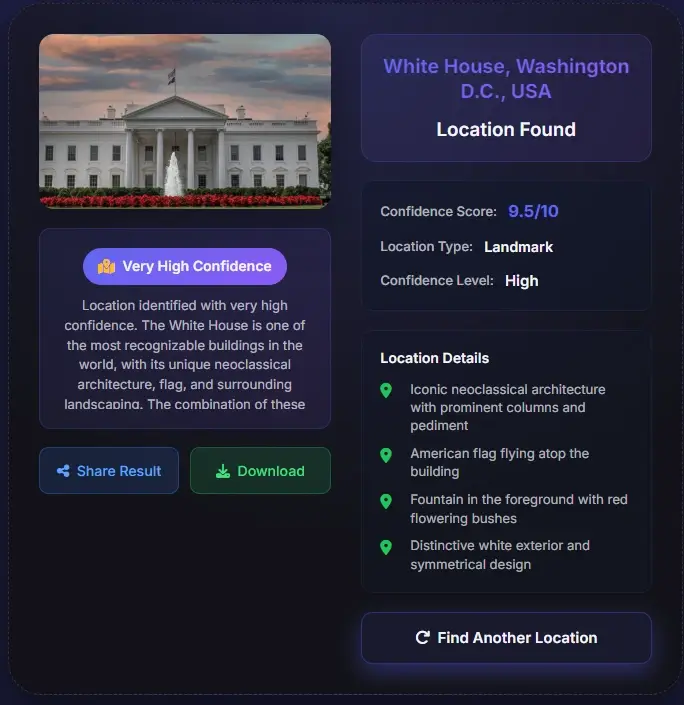
A screenshot from a short video may include platform UI, captions, usernames, or cropped text. Those details can help identify source context, but the place still needs visual confirmation through the scene itself.
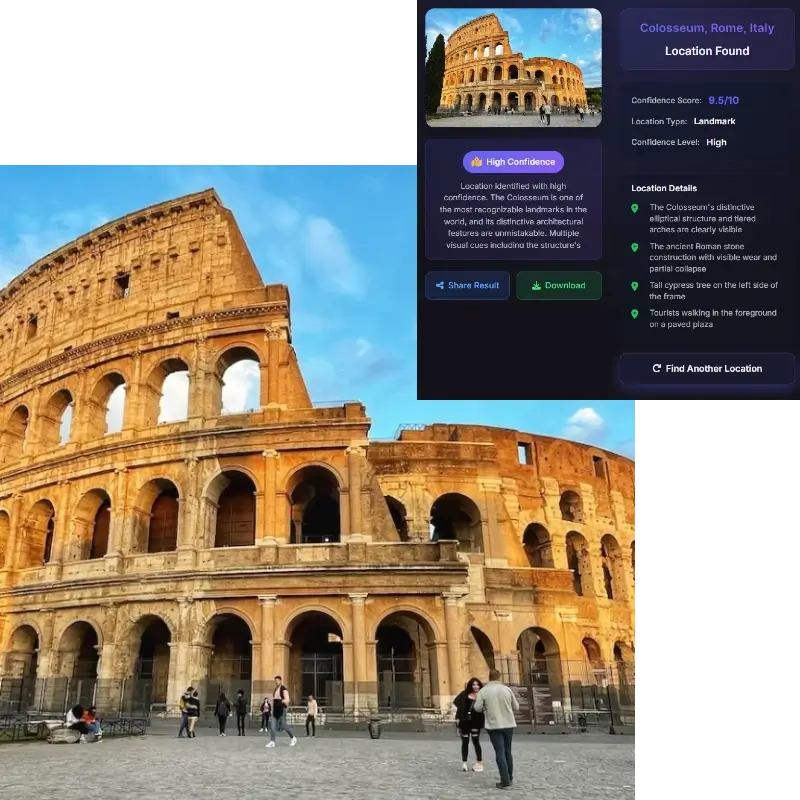
The best screenshot location result gives a likely place plus a reason: visible landmark, road shape, language, storefront, coastline, mountain, or skyline match. That evidence helps you verify the result in Google Maps or Street View.
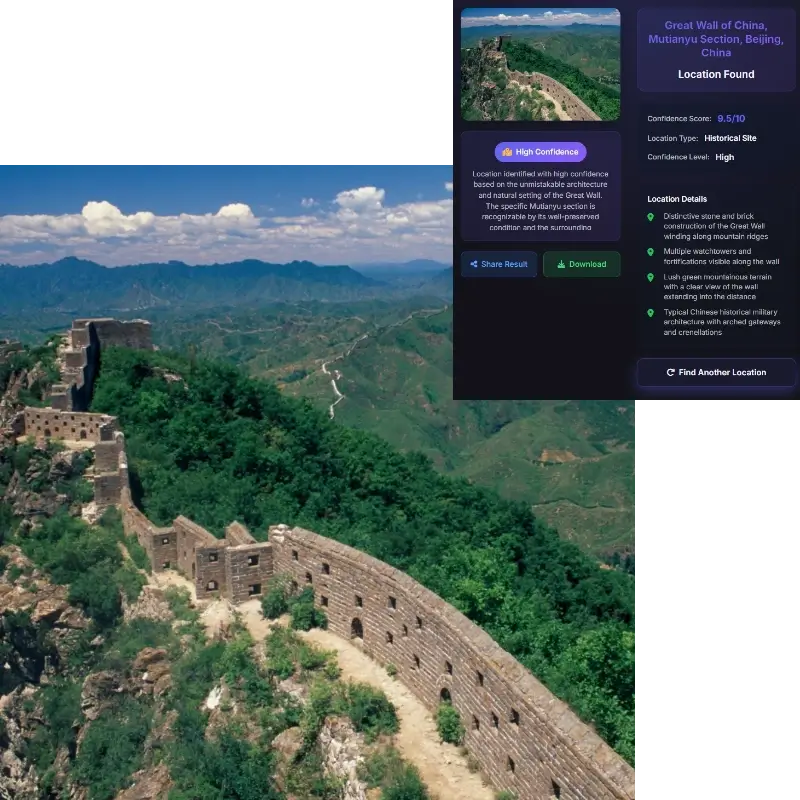
If a screenshot only shows a person, plain room, blank wall, or heavily edited background, the tool may not identify an exact place. In that case, it should return a cautious answer and explain which clues are missing.
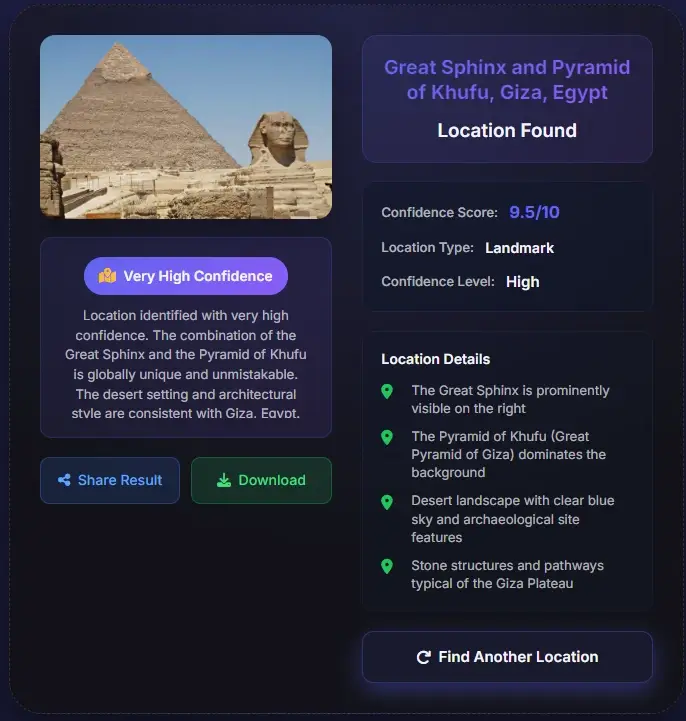
Screenshot geolocation can reveal more than expected, especially when a background includes private streets, homes, schools, or workplaces.
Often, yes, if the screenshot includes landmarks, signs, street details, skyline, terrain, or other visual clues. Screenshots rarely keep GPS metadata, so the answer depends on scene evidence.
Sometimes, but not always. A famous storefront, sign, or landmark may lead to an exact place. A generic street or cropped background may only support a city, region, or likely country.
Usually no. Most screenshots strip camera metadata, so visual analysis and map verification are more important than metadata checks.
Yes. Upload the clearest frame and keep as much background context as possible. Captions and visible text may help, but the final answer should be checked against the scene.
Wide screenshots with landmarks, street signs, storefronts, road markings, transit symbols, coastlines, mountains, or distinctive architecture work best.
The result may be less precise. Try a wider frame, a higher-resolution version, or another screenshot from the same video or post.
Use it responsibly. Do not identify private locations to harass or expose people, and blur personal details before sharing screenshots publicly.