Monument Shape and Architecture
Towers, domes, arches, bridges, temples, museums, statues, and facade patterns often reveal the exact landmark name.
Upload a travel photo, screenshot, postcard, or saved image and identify the landmark shown in it. The tool checks monuments, public buildings, skyline shapes, signs, natural attractions, and map-ready clues so you can verify the famous place quickly.
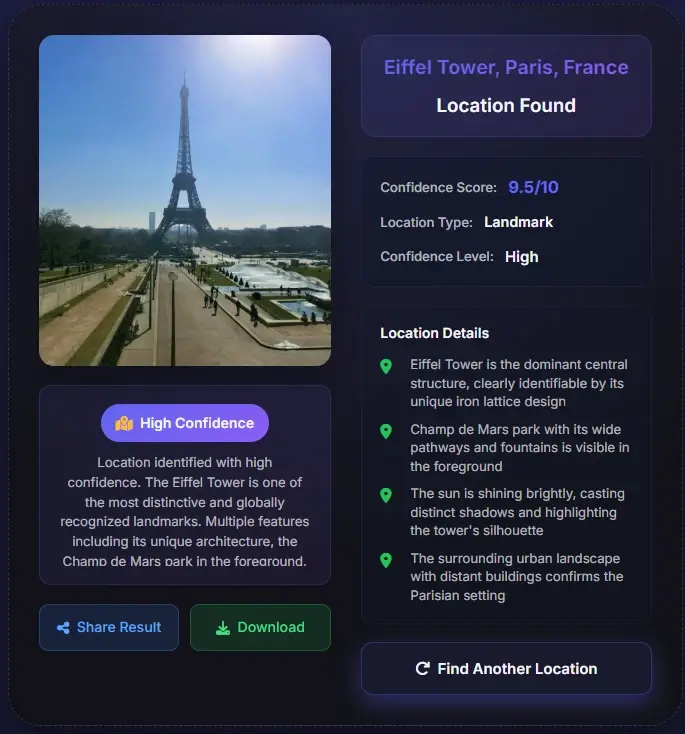
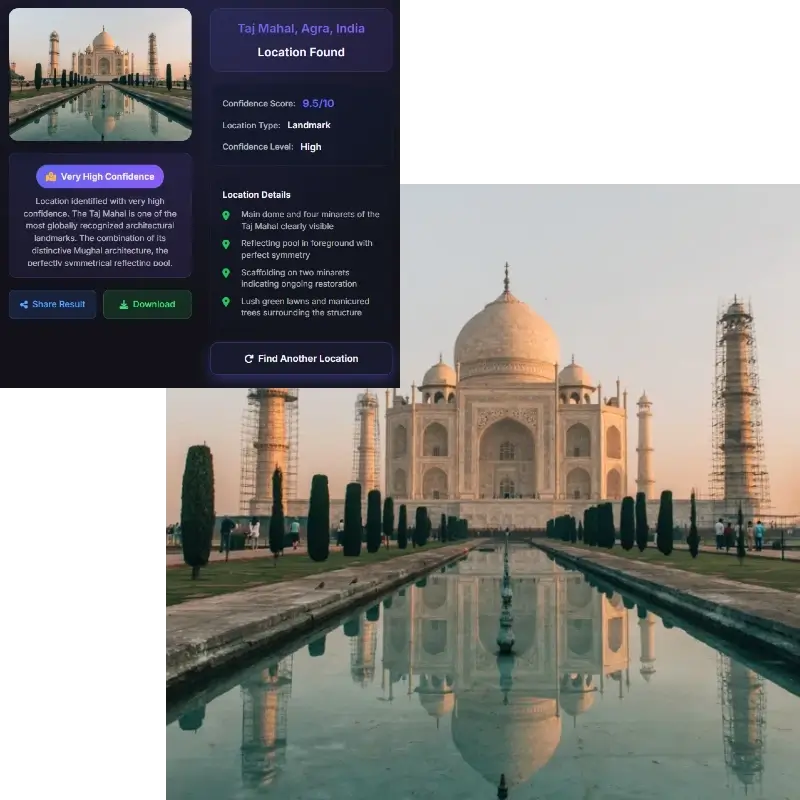
Best for monuments, towers, bridges, temples, museums, public squares, skylines, scenic viewpoints, and tourist attractions
This tool page is for naming the visible landmark, not guessing your current location or extracting private address details.
A landmark finder from photo is useful when you have an image but no caption. The picture may come from a travel reel, old album, blog, postcard, news frame, or social post where the place name was removed. Instead of asking for a raw coordinate first, the practical question is usually: what landmark is shown here?
This page focuses on public and famous places: monuments, bridges, museums, towers, temples, statues, plazas, scenic viewpoints, coastlines, mountains, and recognizable buildings. The result should include the likely landmark name, place type, city or country, confidence level, and the visible clues behind the match.
Use the answer as a lead, then verify it. Compare the suggested landmark against maps, official tourism pages, Street View, image search results, and nearby visual details such as road layout, skyline orientation, facade shape, water, mountains, and signs.
Strong results come from several clues pointing to the same famous place.
Towers, domes, arches, bridges, temples, museums, statues, and facade patterns often reveal the exact landmark name.
Signboards, plaques, transit icons, street names, language, flags, and nearby venue names help turn a landmark guess into a searchable result.
Nearby buildings, plazas, roads, rivers, coastlines, mountain profiles, and viewpoint angle help separate similar landmarks.
A useful result should provide clues you can compare in Google Maps, Street View, official photos, or reverse image search.
Distinctive architecture, public monuments, and scenic landmarks are usually the easiest images to identify.
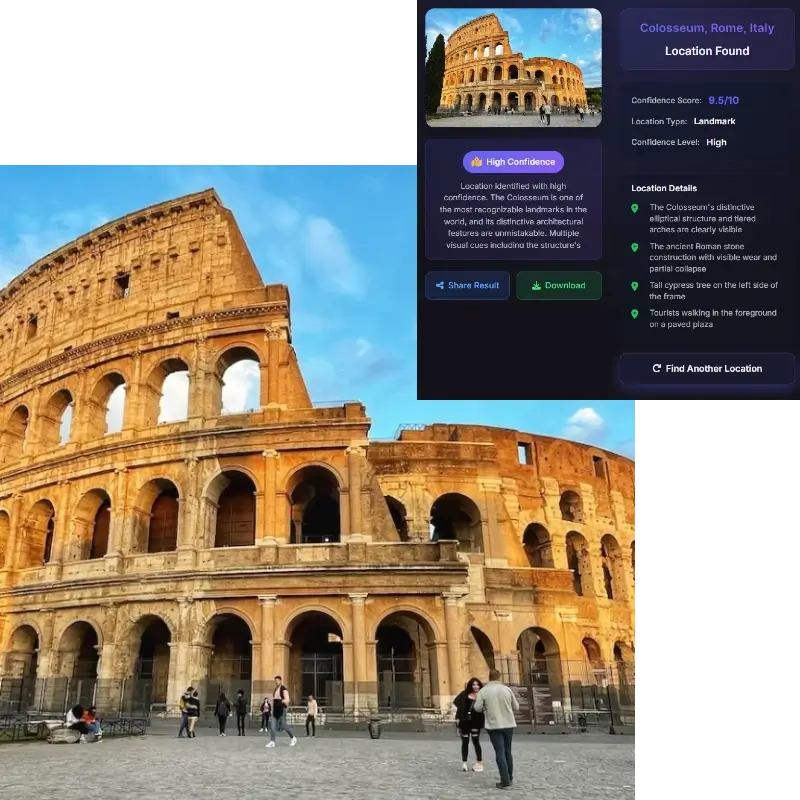
Use a wide, sharp image when possible. Keep towers, signs, plazas, water, skyline, nearby buildings, or natural features in frame instead of cropping too tightly.
The tool analyzes visual clues and returns a likely landmark name, type, city or country, confidence level, and the evidence that made the match plausible.
Search the landmark name with the city or country, then compare official photos, Maps, Street View, skyline angle, signs, roads, and nearby attractions.
These searches overlap, but they answer different questions.
A landmark finder names the public place visible in the image. It is strongest for recognizable attractions, monuments, famous buildings, scenic viewpoints, and public spaces. The answer may be “Eiffel Tower” or “Taj Mahal” before it gives coordinates.
A photo location finder may try to estimate where the camera was standing. That can be different from the landmark shown in the frame. A photo of a bridge from across the river contains both a subject landmark and a camera viewpoint.
An address finder asks for a street address or private location. This page avoids private-person targeting and focuses on public landmarks and tourist places that can be responsibly verified.
Use it when the image shows a public place and you need a verifiable name.
Identify a beautiful landmark from a social photo or travel video before saving it to your itinerary.
Name the monument or attraction shown in a YouTube, TikTok, Instagram, or documentary frame.
Label unlabeled vacation photos, postcards, downloads, and family albums with likely landmark names.
Check whether a claimed landmark or destination matches the visible evidence in the photo.
Many landmark photos are saved without names, captions, or GPS data. The tool looks at the visible place itself: monument outline, roofline, facade details, bridge structure, statue position, nearby skyline, flags, signs, water, terrain, and public-space layout. Those clues can identify a famous place even when the original post did not include a location tag.
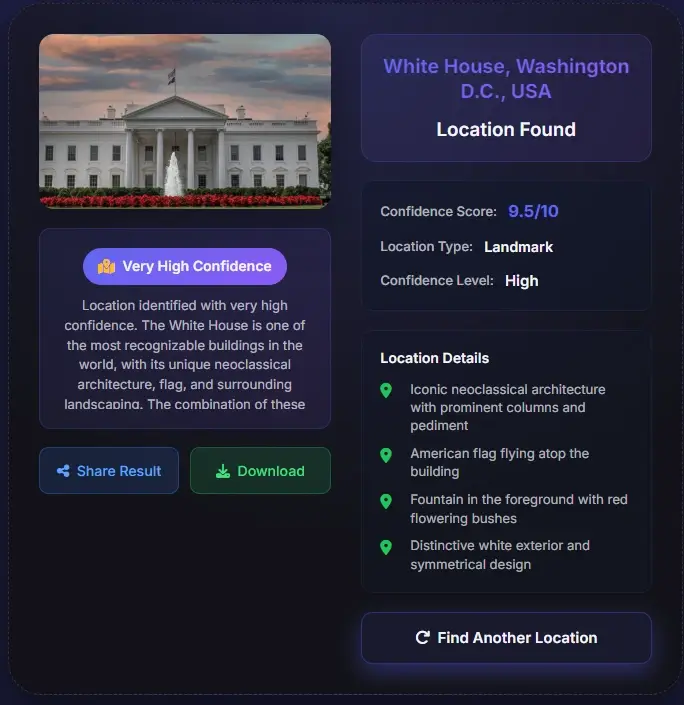
A landmark is not always a building. Scenic mountains, coastlines, rock formations, plazas, gates, fountains, towers, stadiums, temples, and bridges can all be recognizable. The best results combine subject recognition with environmental context, so keep surrounding details in the image whenever possible.
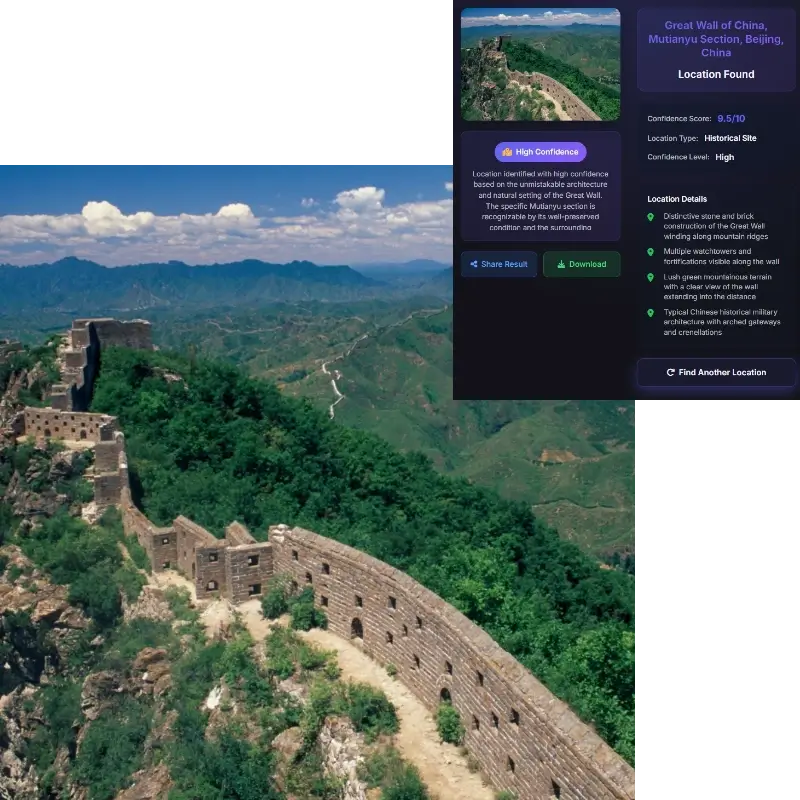
Some landmarks look similar from certain angles. Domes, towers, bridges, cathedrals, beaches, and city squares may have visual twins. Use signs, street layout, nearby buildings, language, water direction, mountain profile, and map comparison to separate one candidate from another.

This tool is designed for landmarks and public tourist places. It should not be used to expose private homes, track people, or identify sensitive locations. When a result appears to point to a private address rather than a public landmark, treat it cautiously and avoid sharing personal details.
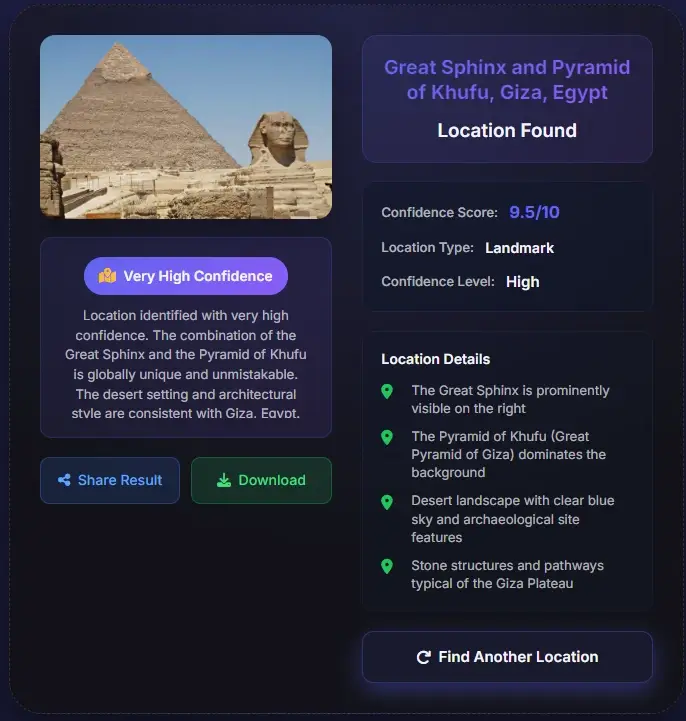
Landmark recognition should help with travel, education, photo organization, and verification without exposing private people or sensitive places.
Use the AI result as a starting point, then verify landmark matches with trusted map and image evidence.
Upload the image and keep as much context as possible. The tool checks monument shape, architecture, signs, skyline, roads, natural features, and map-ready evidence to suggest a likely landmark name.
Yes, it is best for public monuments, famous buildings, towers, bridges, temples, museums, scenic viewpoints, and other tourist attractions with distinctive visual clues.
The main answer is the likely landmark name and evidence. If the landmark is clear, you can use the name, city, and country to verify coordinates in a map tool.
Wide, sharp, well-lit images with the landmark and surrounding context work best. Signs, skyline, roads, water, mountains, and nearby buildings improve confidence.
The tool may return a likely place type, region, or candidate list instead of one exact name. Use the clue list to verify manually with maps and reverse image search.
Yes. Screenshot tools focus on reposted frames without metadata. This page focuses on naming the landmark or tourist attraction visible in any photo or screenshot.
No. This page is intended for public landmarks and tourist places. Avoid using image tools to expose private homes, private people, or sensitive locations.